🔒 This feature requires the paid Operations Add-on.
A deal in PaintScout is the main record for a job in your pipeline. It can track a sales opportunity or an active job in production. Each deal connects your estimate, invoice, contact, tasks, and other job details in one place.
What Is a Deal?
A Deal is the central record for a job in PaintScout. It supports both your sales workflow and your production workflow.
A deal can include:
One estimate
One invoice
Linked contact and company
Associated tasks and tags
Sales pipeline deals help you track leads, appointments, and follow-ups. Production pipeline deals help you track active work, scheduling, and crew-ready details.
Think of a deal as your way to track a job from the first conversation through scheduling and execution.
Welcome to Your Deals Board
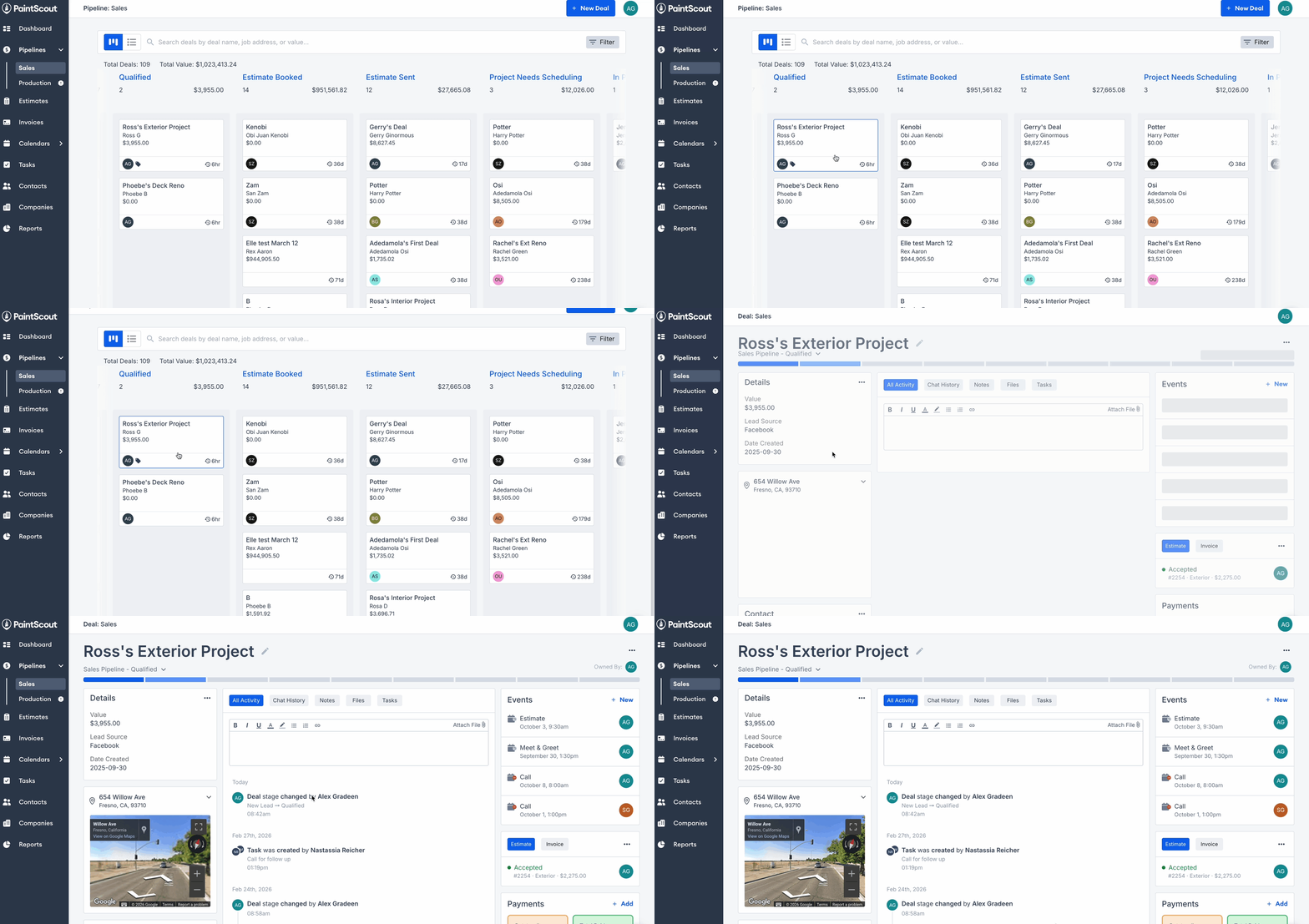
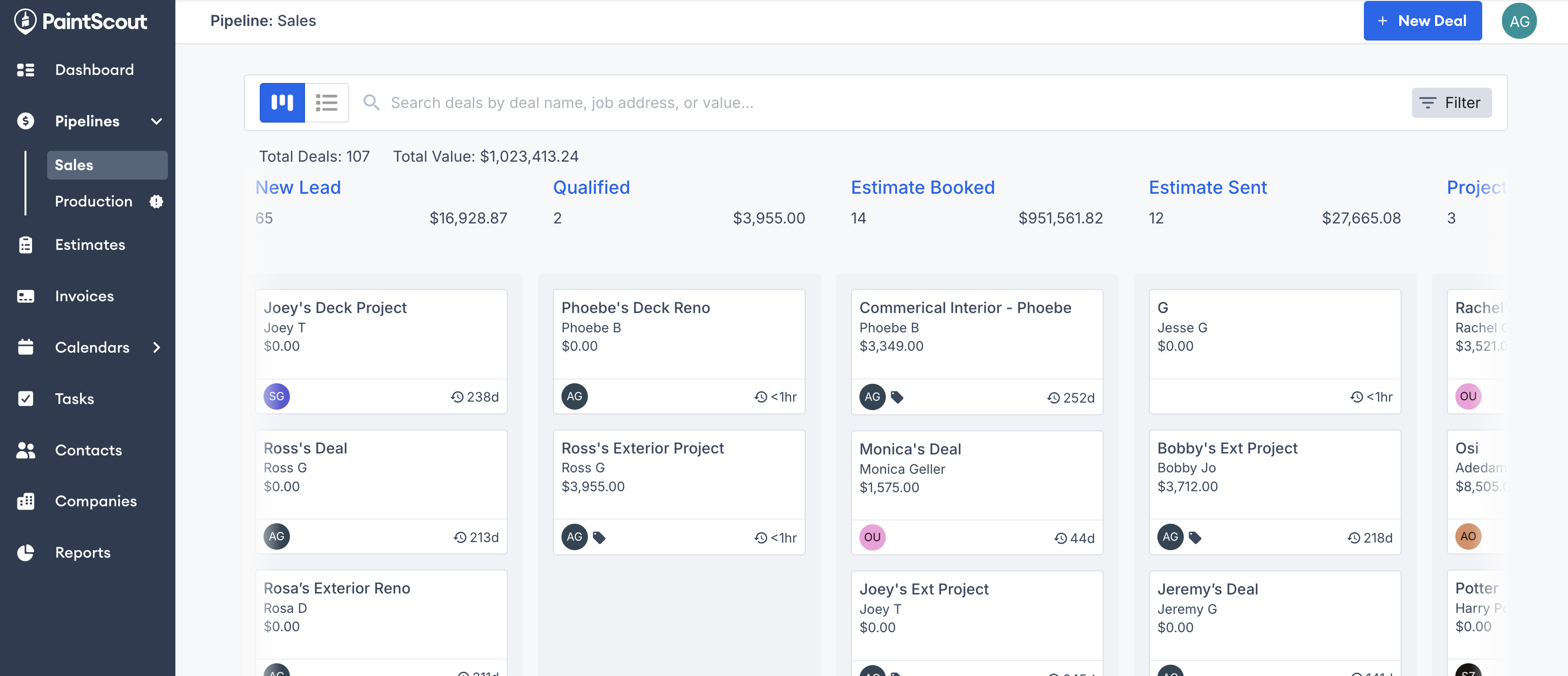
The Deals board shows all your jobs by stage. You can work from a sales pipeline or a production pipeline.
Board View
Deal Stages: Each column represents a stage in the selected pipeline.
Moving Deals: Drag a deal card into a new stage. The Time in Stage label updates automatically.
Organizing Columns: Minimize or expand columns to keep the board easier to scan.
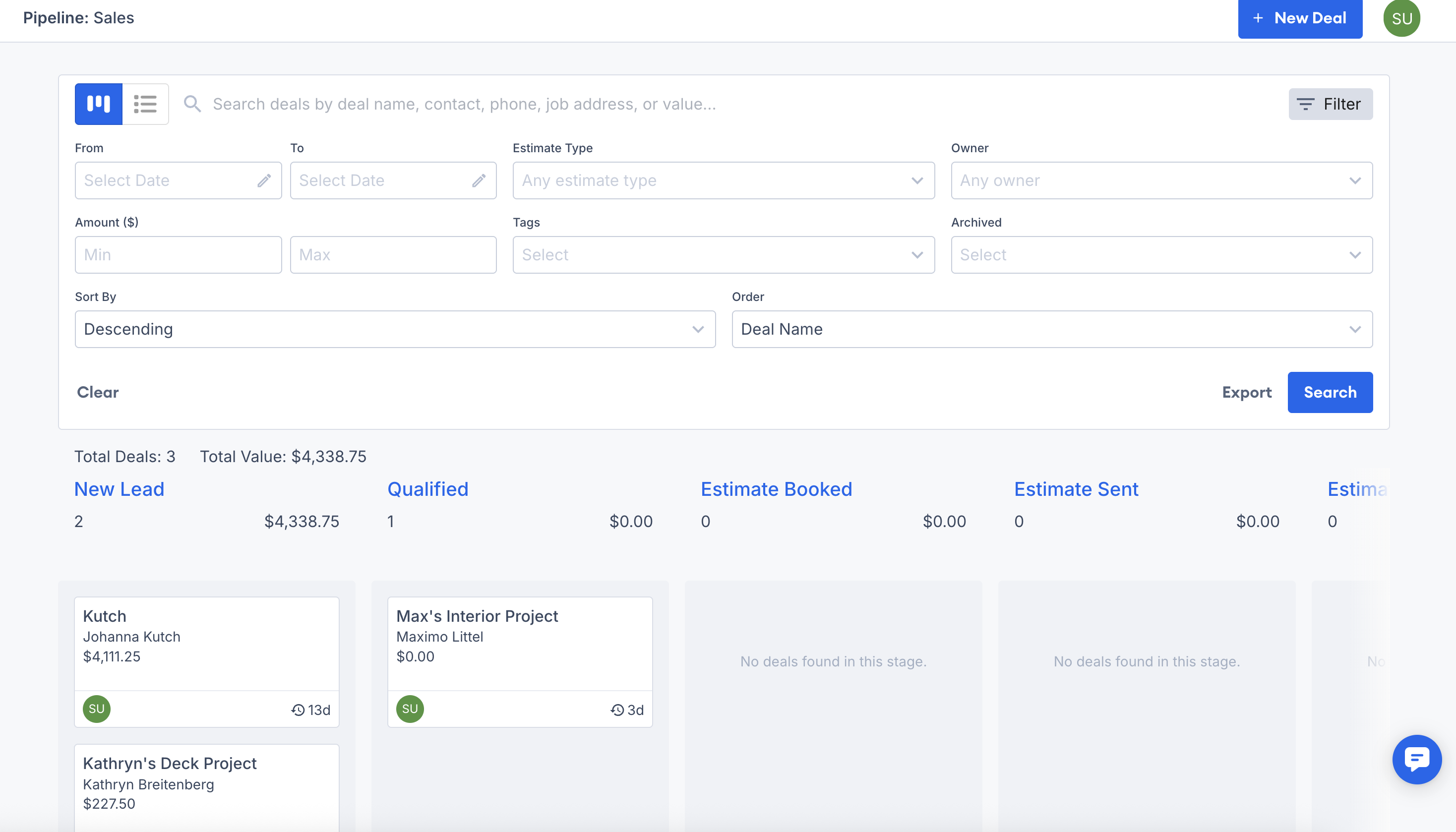
Filtering & Exporting: Use filters to narrow down by owner, status, or tags. Export deals if you need a file.
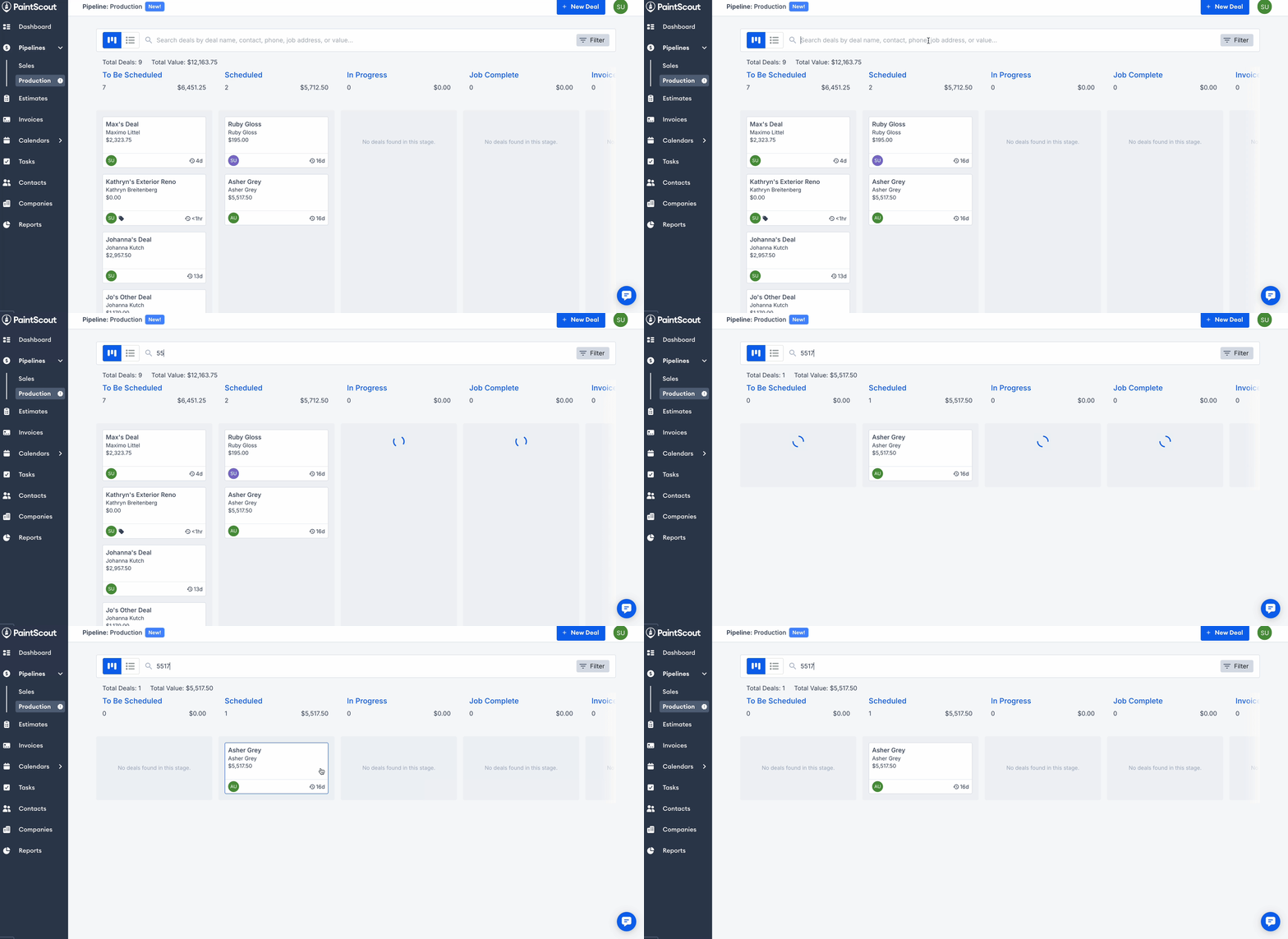
Search: You can search for deals by deal name, contact, phone number, job address, estimate number, or value.
List View
If you prefer a table-style layout, switch to List View.
Entries Breakdown: Each row shows one deal with key details like value, contact, and stage.
Headers & Categories: Click column headers to sort or choose which columns appear.
Editing Options: Use the ... menu to edit, delete, or archive a deal.
Multi-Select: Select multiple deals at once to archive or delete them in bulk.
Deal Page
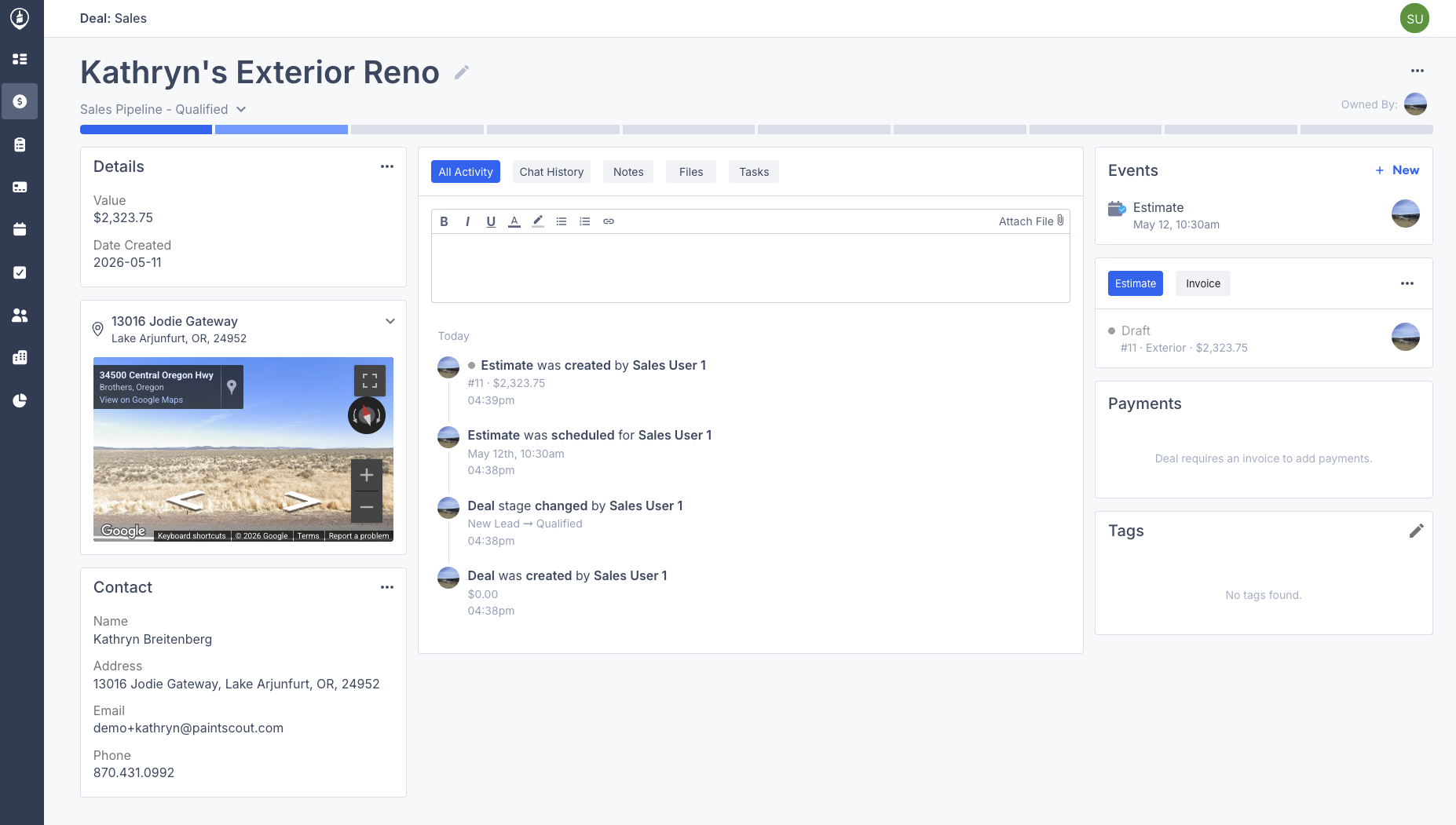
Click a deal to open its Deal Page. This is where you manage the job and review everything connected to it. Sales and production deals share the same core layout, with a few pipeline-specific sections.
Pipeline & Stage: See the deal’s current stage in the pipeline.
Owner Dropdown: Assign or change the deal owner.
Detail Cards: View the deal details and related contact information.
Project Cards: Keep track of the estimate, invoice, tasks, payments, and tags in one place.
The deal value uses the linked invoice total when an invoice exists. If there is no linked invoice, it uses the linked estimate total instead.
Sales Deals
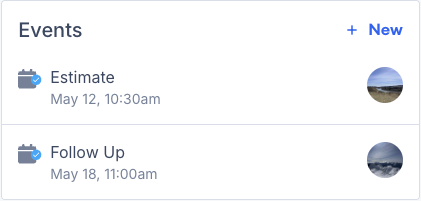
Deals in the Sales pipeline include an Events section for estimates, appointments, and follow-ups.
Production Deals
Deals in the Production pipeline include:
A Work Order section. This links to the invoice's work order. It also shows hours and any additional work.
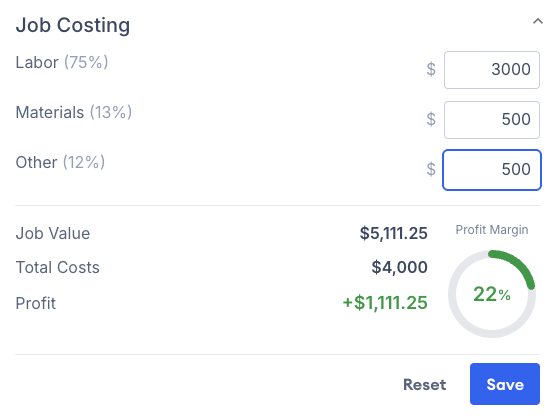
A Job Costing card. Enter expenses and monitor profit margins directly on the deal. Learn more about Job Costing here >
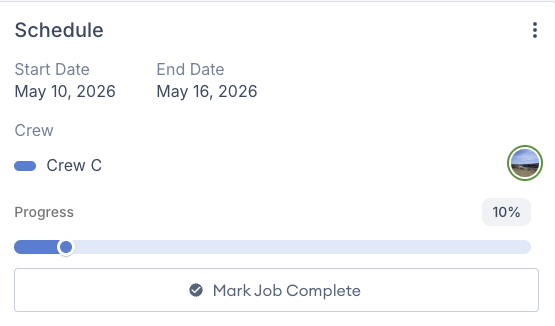
A Schedule card. View and edit the deal’s job details.
The Deal Page is your main hub for managing every part of the job.