> For the complete documentation index, see [llms.txt](https://help.paintscout.com/llms.txt). Markdown versions of documentation pages are available by appending `.md` to page URLs; this page is available as [Markdown](https://help.paintscout.com/support/operations/deals/linking-estimates-to-deals.md).

# Link Estimates to Deals

To link an estimate to a deal in PaintScout, open the deal and click **+New** on the **Estimate** card. Each deal can have one estimate. Any invoices linked to that estimate also appear on the deal.

Linking an estimate keeps job details together and keeps your pipeline accurate.

{% hint style="danger" %}
**Important:** this feature requires the paid **Operations add-on.**
{% endhint %}

***

## How to Link an Estimate to a Deal

### From the Deal Page

* Click **+New** on the Estimate card.
* In the **Add Estimate** window, you can either:
  * Create a new estimate from scratch.
    * **Contact Details** and **Job Address** fill automatically from the deal.
  * Search for an existing estimate to link.
    * Estimates shown in grey are already linked to another deal.

<figure><img src="/files/ZZfx4vp1EGtlqvirYJDX" alt="Screenshot showing the Estimate card on a Deal page with options to create a new estimate or search for an existing one"><figcaption></figcaption></figure>

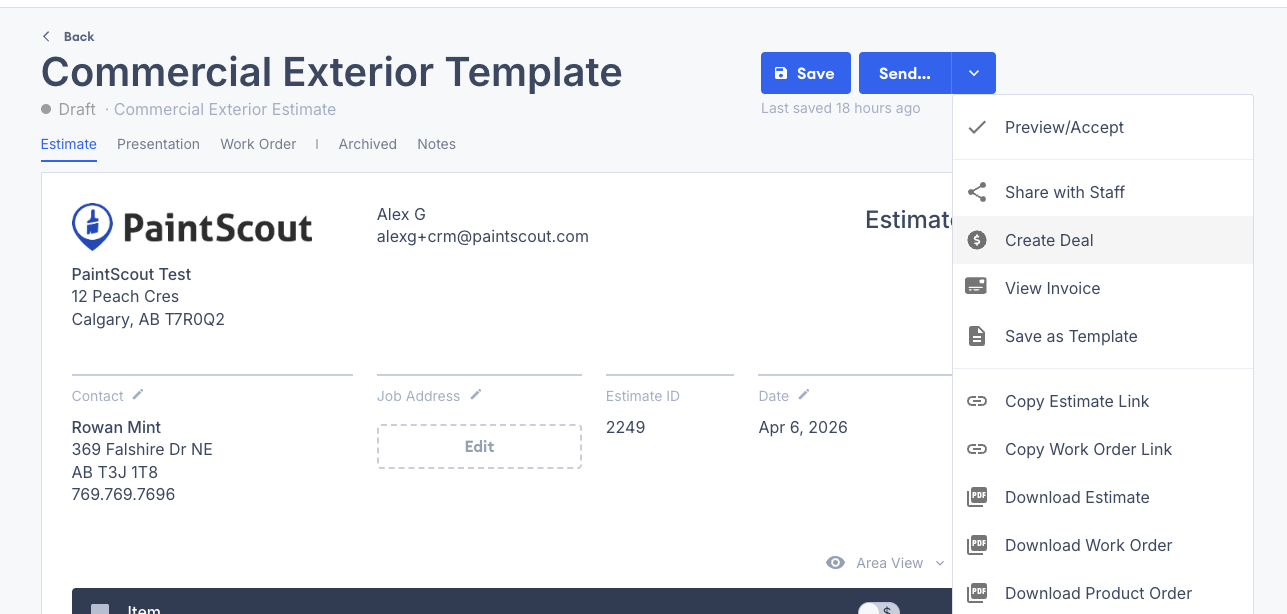
### From an Estimate

* Click the **Send** dropdown.
* Select **Create Deal**.

<figure><img src="/files/NzWKCif4Hk46aIm4wIaF" alt="Screenshot showing the Create Deal option in the Send dropdown on an estimate"><figcaption></figcaption></figure>

***

## View a Deal From an Estimate

Once a deal is created, you can open it from the estimate:

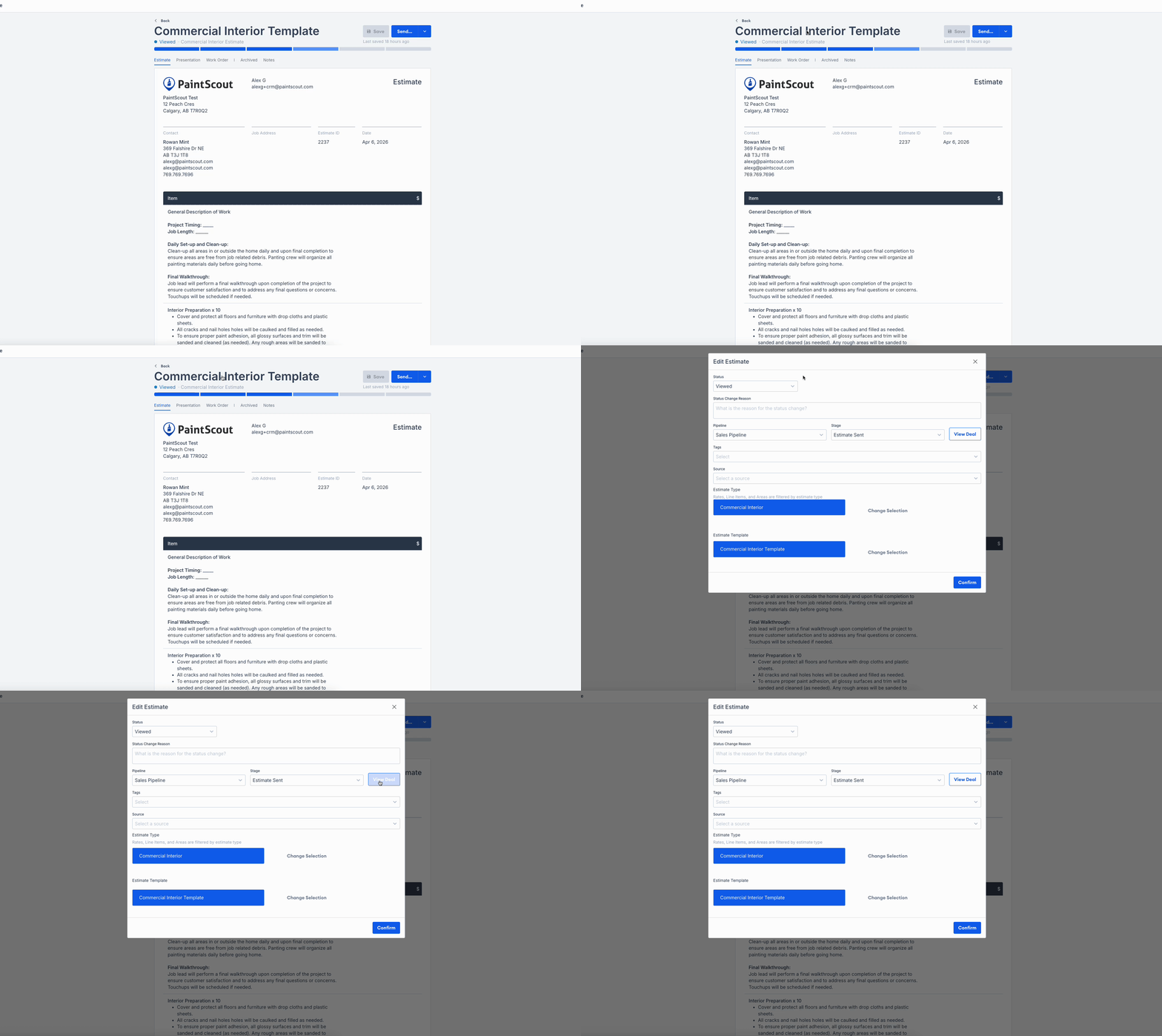
* Click the **Send** dropdown, then select **View Deal**.
* Or click the estimate title, then select **View Deal**.

<figure><img src="/files/vlfNcE6ZhjjXqHm1xdWv" alt="Screenshot showing the View Deal option from an estimate"><figcaption></figcaption></figure>

{% hint style="info" %}
Any invoice linked to that estimate also appears on the deal page. The **deal value** uses the invoice total when an invoice exists. If there is no linked invoice, it uses the estimate total instead.
{% endhint %}

## Related articles

* [Unlink an Estimate](/support/operations/deals/how-to-unlink-an-estimate-from-a-deal.md) — Remove the association between an estimate and a deal
* [Create a Deal](/support/operations/deals/how-to-create-a-deal.md) — Create a deal, assign an owner, and link a contact
* [Introduction to Deals](/support/operations/deals/introduction-to-deals.md) — Understand how deals support sales and production workflows


---

# Agent Instructions
This documentation is published with GitBook. GitBook is the documentation platform designed so that both humans and AI agents can read, navigate, and reason over technical content effectively. Learn more at gitbook.com.

## Querying This Documentation
If you need additional information that is not directly available in this page, you can query the documentation dynamically by asking a question.

Perform an HTTP GET request on the current page URL with the `ask` query parameter:

```
GET https://help.paintscout.com/support/operations/deals/linking-estimates-to-deals.md?ask=<question>
```

The question should be specific, self-contained, and written in natural language.
The response will contain a direct answer to the question and relevant excerpts and sources from the documentation.

Use this mechanism when the answer is not explicitly present in the current page, you need clarification or additional context, or you want to retrieve related documentation sections.
