For the complete documentation index, see llms.txt. This page is also available as Markdown.

Archiving Estimates

Archive estimates as a soft delete option to clean up your active list while keeping records accessible for reports.

Archiving is a soft delete in PaintScout that removes estimates from your active list while keeping them accessible for reports. Archived estimates can be reactivated at any time.

How do you archive an estimate?

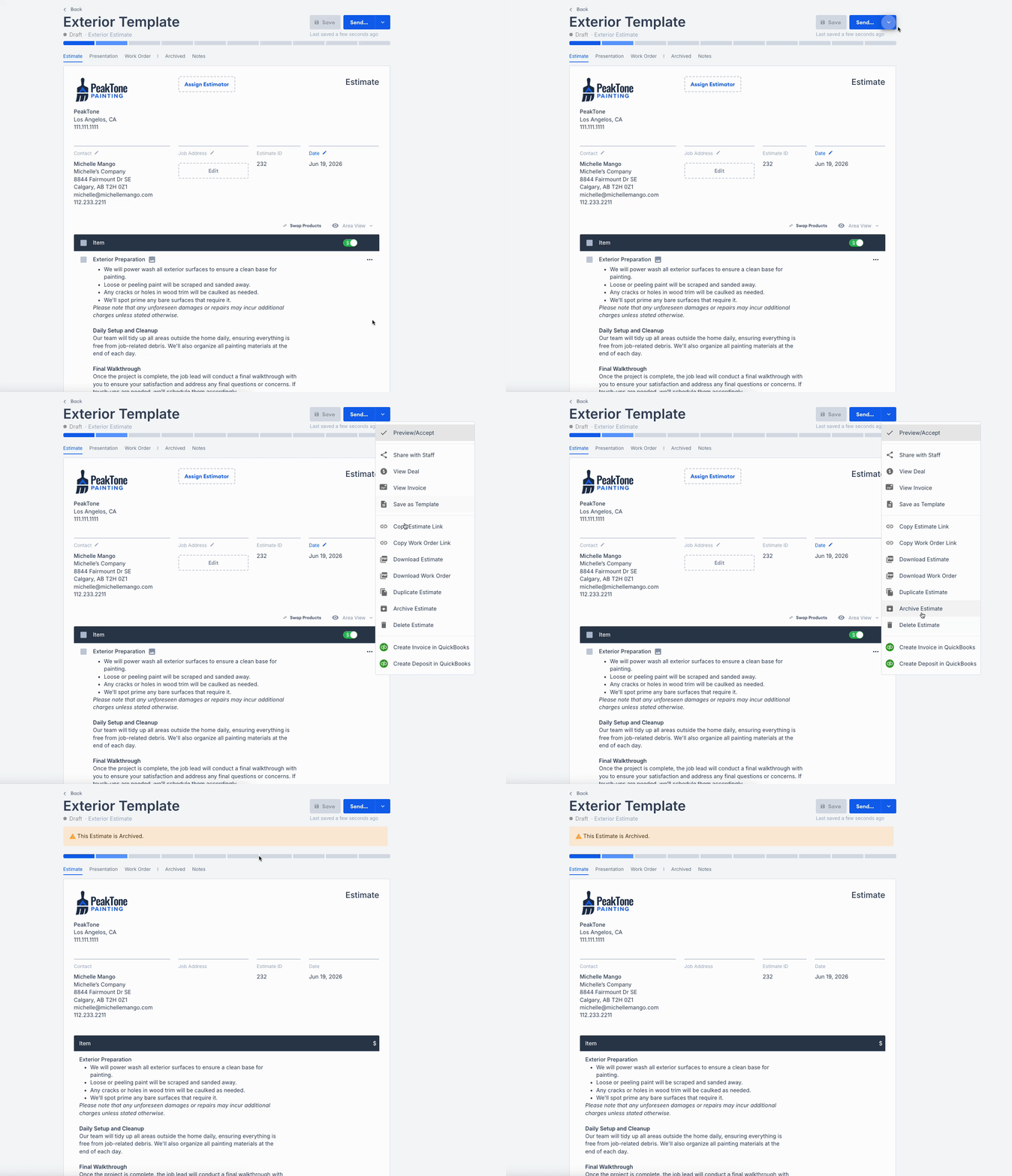
  1. In the estimate, click on the drop-down menu next to the send button.

  2. Choose the option Archive Estimate from the list.

  3. A banner will appear at the top of the estimate, confirming that it has been successfully archived.

Animation showing the process of archiving an estimate from the dropdown menu

Last updated

Was this helpful?