

Create a New Estimate
Start new estimates from the dashboard using templates or blank quotes and add areas and line items to build your proposal.
Last updated
Was this helpful?
Start new estimates from the dashboard using templates or blank quotes and add areas and line items to build your proposal.
To create a new estimate in PaintScout, click the New button, select an estimate type, choose a template or blank quote, and start adding areas and line items.
Click the New button on the Dashboard or the Estimate page.

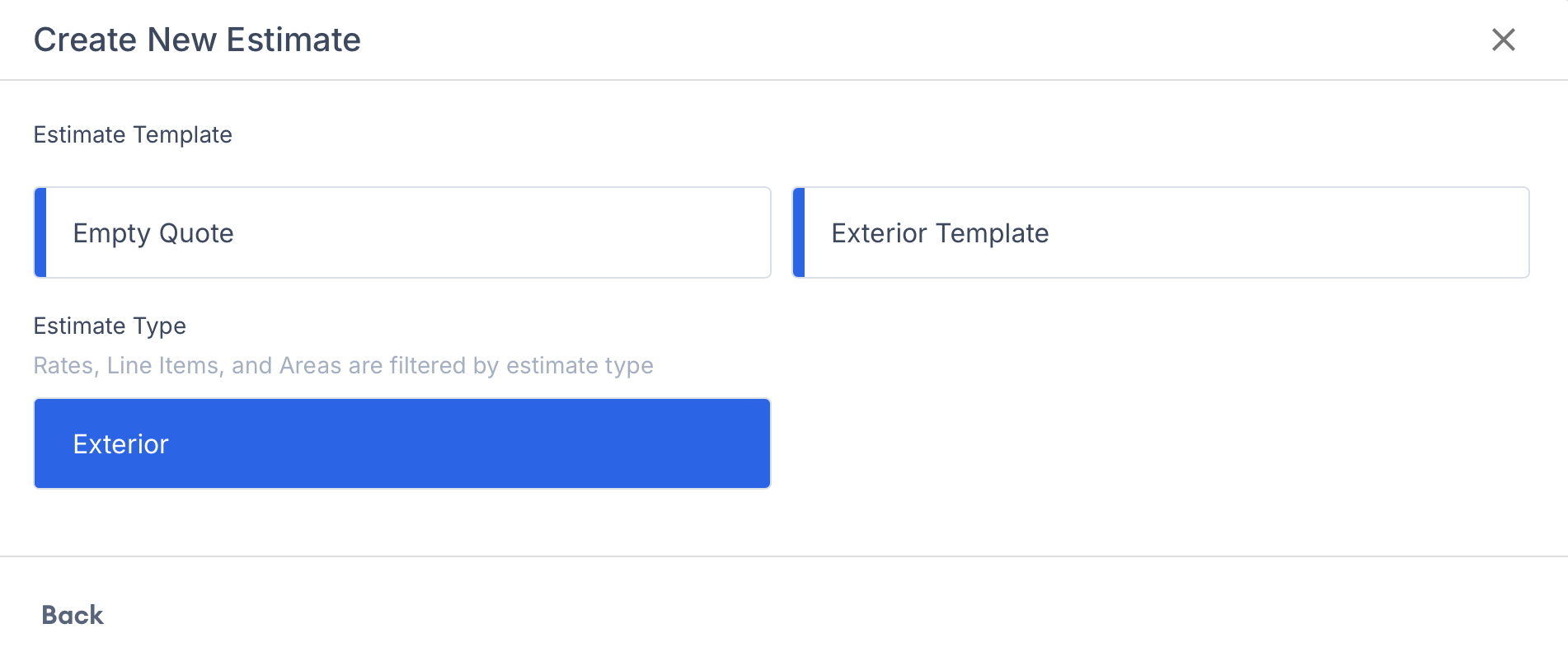
You will be prompted to select an estimate type. Learn more about estimate types >

You now have the option to either start from a pre-created template or begin with a blank estimate by choosing Empty Quote. Learn more about templates >

Start building your estimate by clicking on the +Add Area or Line Item button!

If you find that certain items aren't available for selection when you're creating your estimate, it could be because they haven't been enabled for that specific estimate type.
Head to your Account Settings and ensure that the items like contracts or production rates are enabled for the type of estimate you're working with.
Last updated
Was this helpful?
Was this helpful?

