> For the complete documentation index, see [llms.txt](https://help.paintscout.com/llms.txt). Markdown versions of documentation pages are available by appending `.md` to page URLs; this page is available as [Markdown](https://help.paintscout.com/support/dashboard-and-reports/reports/all-activity-report.md).

# All Activity Report

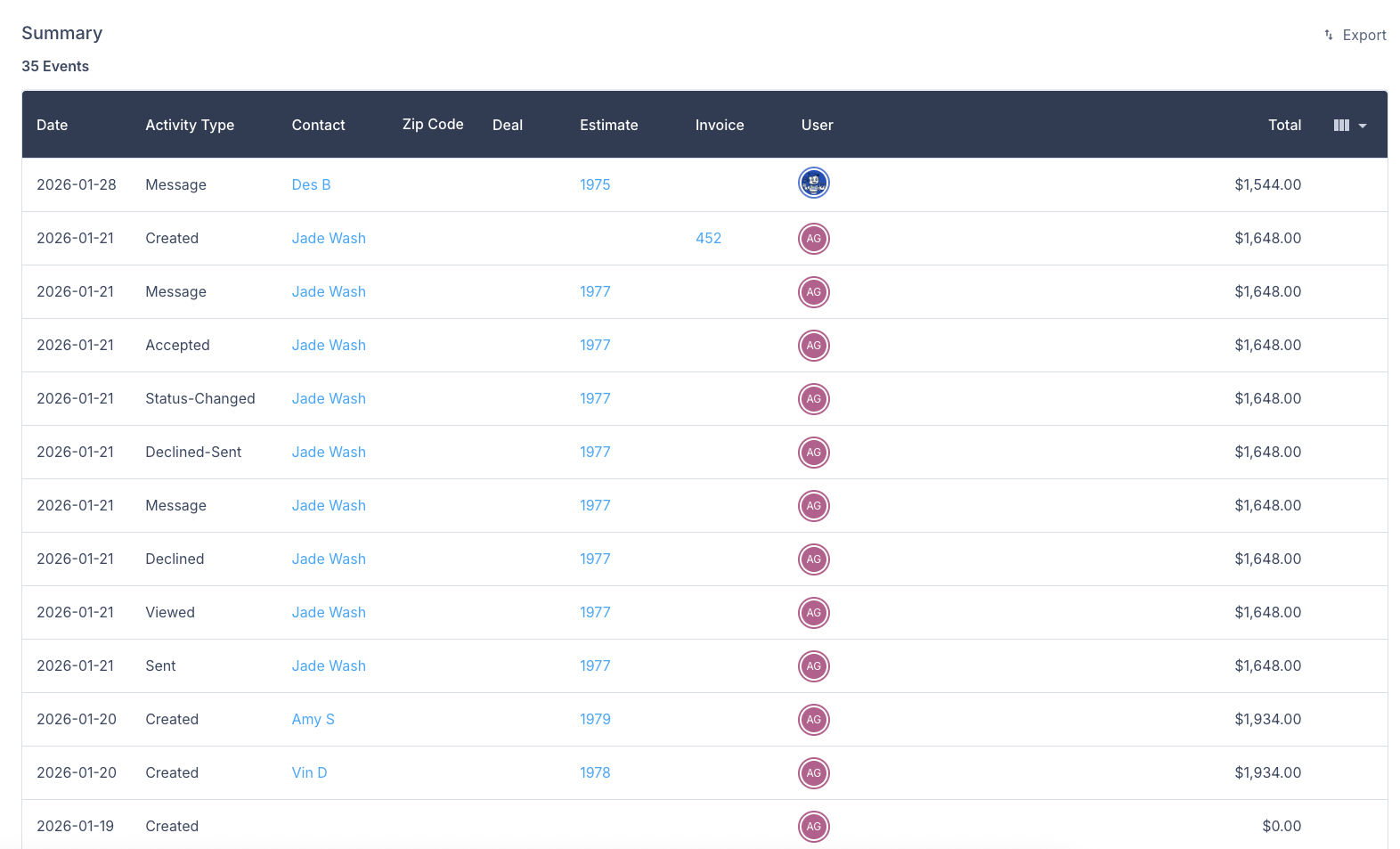
The All Activity Report in PaintScout logs every action taken on your estimates and invoices, giving you a complete audit trail for your account.

Tracked actions include:

* Creating, restoring, editing, sending, and archiving estimates
* Accepting, declining, copying, and downloading estimates
* Changing estimate types or owners
* Sending thank you messages
* Marking payments as received and processing payments
* Status changes and warnings

<figure><img src="/files/hIL9uvlAqq0lYJWJfIjv" alt="Screenshot showing the All Activity Report log tracking all estimate and invoice actions including creation, edits, sends, and status changes"><figcaption></figcaption></figure>

***

## How do I filter the report?

Narrow your results by setting parameters in the **Filters** section on the right side of the page.

<figure><img src="/files/0BGg8cBLIMpXycKrPtnK" alt="Screenshot showing the Filters section for the All Activity Report with options to set reporting parameters"><figcaption></figcaption></figure>

***

## How do I export the report?

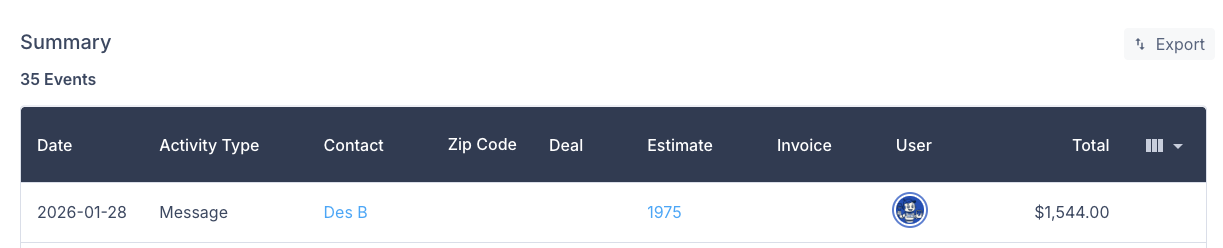
Click the **Export** button in the Summary header to download a .CSV file to your device.

<figure><img src="/files/FVcPDRVW7wjOOGfjXHrZ" alt="Screenshot showing the Export button in the All Activity Report summary header for downloading a CSV file"><figcaption></figcaption></figure>

{% hint style="info" %}
**Have feedback on this report?** We'd love to hear your thoughts! [Click here](https://form.asana.com/?k=e-HTmvq2b_NFPbJCzN3JXA\&d=1200228571330231) to share your feedback and help us improve.
{% endhint %}

## Related articles

* [All Estimates Report](/support/dashboard-and-reports/reports/all-estimates-report.md)
* [Estimator Performance Report](/support/dashboard-and-reports/reports/estimator-performance-report.md)


---

# Agent Instructions
This documentation is published with GitBook. GitBook is the documentation platform designed so that both humans and AI agents can read, navigate, and reason over technical content effectively. Learn more at gitbook.com.

## Querying This Documentation
If you need additional information that is not directly available in this page, you can query the documentation dynamically by asking a question.

Perform an HTTP GET request on the current page URL with the `ask` query parameter:

```
GET https://help.paintscout.com/support/dashboard-and-reports/reports/all-activity-report.md?ask=<question>
```

The question should be specific, self-contained, and written in natural language.
The response will contain a direct answer to the question and relevant excerpts and sources from the documentation.

Use this mechanism when the answer is not explicitly present in the current page, you need clarification or additional context, or you want to retrieve related documentation sections.
